Mobile and phone help
How to Spot Fake and Risky Apps Before You Install
Judge an app before installing by checking where it comes from, who published it, what permissions it asks for compared with what it does, and whether its reviews and update history look genuine. If you have already installed something suspicious, remove it, review what it was allowed to access, change important passwords and run your phone's built-in protection scan.
By CodingMarble · Published · 6 min read
Why one app can cause real trouble
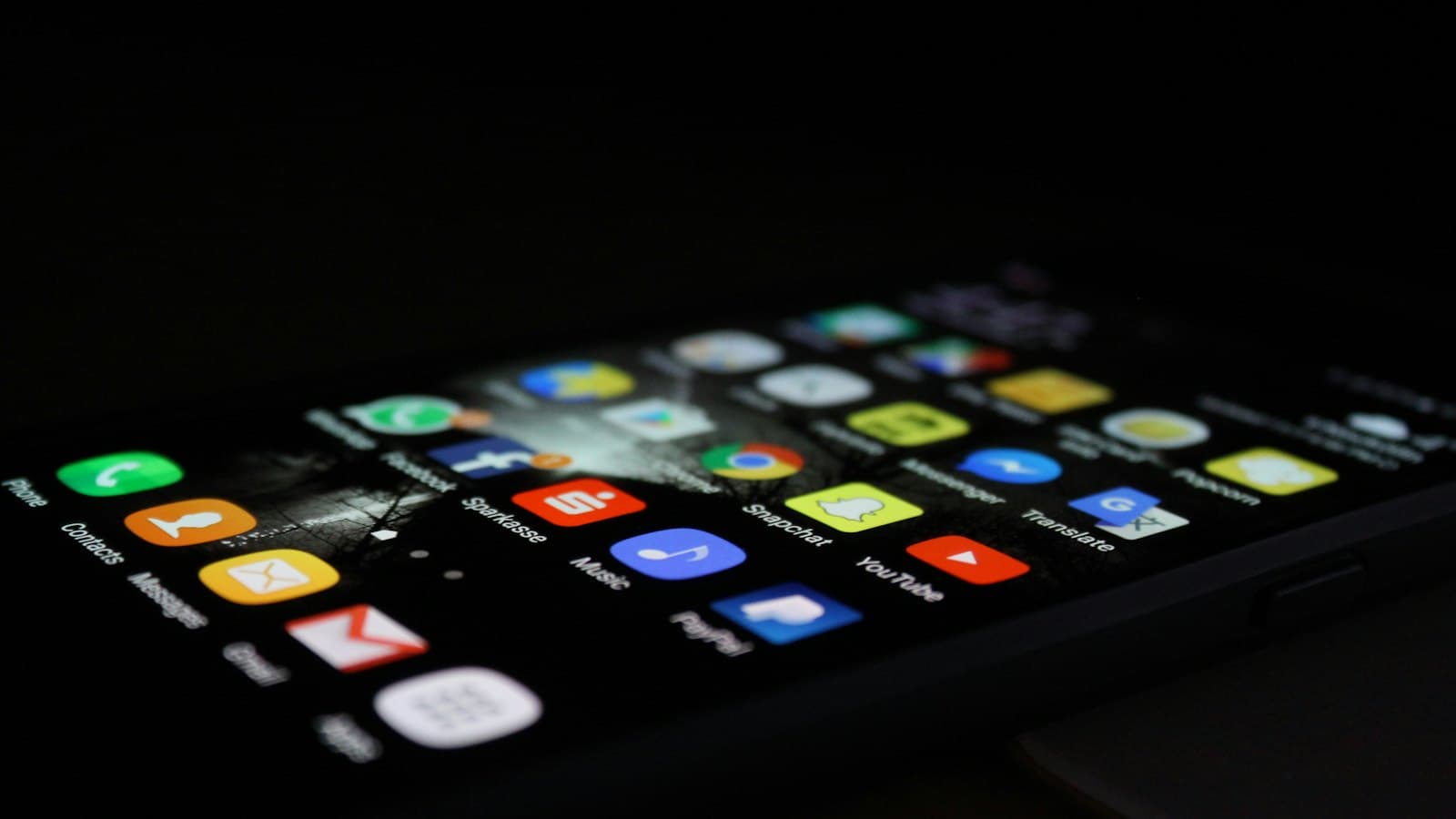
An app is a program that you invite onto your phone, and once it is there it can be given access to your photos, contacts, messages, camera, microphone and location. Most apps use those permissions for honest reasons. A small number use them to show unwanted advertising, collect data they do not need, or steal logins and payment details. The goal of this guide is not to make you afraid of every download. It is to give you a short routine that catches the common problems in about a minute.
The routine works the same way on Android and iPhone, although the screens look different. Menu names change between versions and phone makers, so where this guide names a place to look, treat it as a description of the idea and search your phone's settings for the closest match.
What to check before you press Install
Start with the source. Install apps from the official store that comes with your phone, reached by opening the store app itself rather than tapping a link in a message, an advert or a social media post. A link can lead to a page that looks like the store but is not. Official stores are not perfect, and bad apps do slip through, but they review submissions, remove reported apps and give you a single place to see updates.
Next, read the publisher name under the app title. Companies normally publish under their own name, and the same publisher should appear on the company's real website. Be careful with a publisher name that is a random string of letters, a personal name for something that claims to be a bank or a courier service, or a name that differs from the real one by a single letter.
Then compare permissions with purpose. A torch app has no reason to read your contacts. A simple calculator does not need your location. A photo editor needs access to photos but probably not to your messages. If the request does not match the job, decline it or skip the app. On both platforms you can usually allow a permission only while using the app, or refuse it and still use the features that do not depend on it.
Reading reviews and history with care
Reviews help, but only when read for patterns. Short, repetitive five-star reviews that all praise the app in similar words suggest something artificial. Recent one-star reviews that mention unexpected charges, constant adverts or lost accounts are worth taking seriously even if the overall score looks high. Look at the update history too: an app that is regularly maintained and has a clear description of what changed is a better sign than one that has not changed for years or has changed names several times.
The number of installs is a weak signal. A large number suggests many people tried the app, but fake apps copy the icon and name of popular ones to ride on their traffic, and a new genuine app will have few installs. Use the figure as one small clue and never as proof.
Signs of a fake or clone app
A clone copies the name, logo and screenshots of a well-known app so that you install it by mistake. The usual tells are a slightly altered spelling, a publisher you do not recognise, a description full of spelling mistakes or awkward phrasing, and screenshots that look like stock images. Another useful check is to go to the real company's website, find its official link to the app, and follow that instead of searching the store by name.
- The app promises something unrealistic, such as free premium features, a game currency generator or a way to see who viewed your profile.
- It asks you to log in with a password for another service rather than using that service's own sign-in screen.
- It demands permissions straight away, before you have seen what it does.
- It pushes you to pay or enter card details before showing any real content.
- It asks for access to accessibility features or the ability to display over other apps without a clear reason.
Practical tip: when an app is meant to come from your bank, a shop or a delivery company, do not search for it. Open that company's own website in your browser, type the address yourself, and use the app link that the site provides.
Sideloaded files and why they are riskier
Sideloading means installing an app from a file, usually an APK on Android, that you obtained outside the official store. Android lets you do this once you allow a specific app, such as your browser or file manager, to install unknown apps. The risk is that nobody has checked the file, it may have been modified to include extra code, and it will not receive updates through the store. Free copies of paid apps and games are a classic way malicious code travels.
If you have a genuine reason to sideload, for example an app from a developer who distributes it directly, download it only from that developer's own website, allow the install permission for one source only, and switch the permission off again afterwards. iPhones restrict installing from outside the official store in many regions, so a prompt to install a profile or a certificate to get an app is a red flag. Remember that a file which looks like a document or a video but ends in an app extension is not what it claims to be.
What to do if you already installed something suspicious
Act in a sensible order. First, uninstall the app. If it refuses to uninstall on Android, it may have been given device administrator rights; look in the security settings for the list of apps with that power, remove the right, and then uninstall. Second, open the permissions overview in your settings and look for other apps that hold sensitive access you do not recognise. Third, change the passwords for accounts you used while the app was on the phone, starting with email, banking and social media, and do it from a different, trusted device if you can.
- Disconnect from mobile data and Wi-Fi if the phone behaves strangely, then uninstall the app.
- Run the phone's built-in protection scan, such as the store's app-scanning feature on Android, and install any pending system updates.
- Review permissions, notification access and accessibility access for everything installed.
- Change important passwords and turn on two-step sign-in where it is offered.
- Check your bank and card statements, and contact the bank through its official number if something looks wrong.
- If the phone still acts oddly, back up your photos and contacts and consider a factory reset.
Practical tip: a short list of the apps you actually use, kept in a notes app, makes cleanups quick. Anything on the phone that is not on the list deserves a second look.
Setting up a child's phone
Children often install on impulse, and many games earn money through adverts or in-app purchases. Both platforms offer family settings that require a parent to approve downloads and purchases, and that let you filter apps by age rating. Setting this up once is worth the effort. Turn on purchase approval, keep the payment method off the child's account where you can, and review the installed apps together every so often, asking what each one does rather than simply deleting it.
Talk about the reasons as well. A child who understands that free-gift pop-ups and login requests are common tricks is better protected than one who has only been given rules. Whatever you decide, test the restrictions yourself by trying to install something from the child's account, because settings only help if they behave the way you expect.
Keep reading
- Mobile and phone helpPhone Security Settings Checklist for Android and iPhoneThe settings that protect a phone most are a strong screen lock, automatic updates, a reviewed list of app permissions, a find-my-device feature and caution about unknown sources, public charging and public Wi-Fi. Go through the checklist once, write down what to do if the phone is lost, and revisit it whenever you change phones.
- Everyday digital lifeStrong Passwords and Password Managers ExplainedA strong password is long, unique to one account and hard to guess, and the unique part matters most because a single leaked password can unlock every account that shares it. A password manager makes this practical by creating and remembering a different password for every site, protected by one strong master password that you must never lose.
- Everyday digital lifeSpot Phishing Emails and SMS Scams Before You ClickPhishing is a message that pretends to come from someone you trust, such as a bank, a courier or your manager, to push you into clicking a link, opening a file or handing over a code. The best defence is to slow down, check where a link really goes without opening it, and contact the organisation through a channel you already know.
- Mobile and phone helpHow to Back Up Your Phone Properly on Android and iPhoneA proper phone backup means your photos, contacts, messages, app data and sign-in codes exist in at least one place besides the phone, and that you have checked you can get them back. Use the built-in cloud backup on Android or iPhone, add a copy on a computer for what matters most, and test a restore before a repair or a switch to a new phone.
Need this built properly for your business?
CodingMarble is a remote studio in India that builds websites, apps and games on fixed packages with the scope written down before payment. Try the free tools we run, or start a project when you are ready.
- On CodingMarble
- How we build mobile apps
- Free web tools
- All guides